Glitch'n home

What you need

Every Glitch'n kit is the same: the same chips and parts build every lesson. Choose how many kits you need, and this page works out what to buy and what to print.

One kit per builder is best. Two people can share one.

  1. 1Buy
  2. 2Print
  3. 3Share
1

Buy

Almost every part comes from one store, DigiKey. The button opens DigiKey with all of them already in your cart, in the right amounts. Look over the cart, then check out as usual.

DigiKey may first show a page saying a better value is available, for example 25 chips for less than the price of 24. Choose the options you like, or press Submit to keep the amounts as they are. Some parts come in packs, so you may get a few extra; small parts get lost, so that's fine.

Fill a DigiKey cart

Also get

These aren't in the DigiKey cart. The first ones have a store we recommend; the rest you can find anywhere.

    A screen for the lessons

    The lessons are videos. A tablet or laptop works best: big enough to see the parts clearly, small enough to sit next to the breadboard. Plan on one screen per builder or pair. A phone can play the lessons too, but the picture is small, so use it only if nothing bigger is around.

    What's in the kits

      Rather order from other stores?

      These are the stores from our original kit list. Copy a store's list and paste it into that store's bulk-order or "upload a list" box, or open each part from its link. The spreadsheet has every part, store and link in one file.

      2

      Print

      Two things to print before the first lesson. The chip labels are a must. The chip maps are strongly recommended.

      Must print

      Chip labels

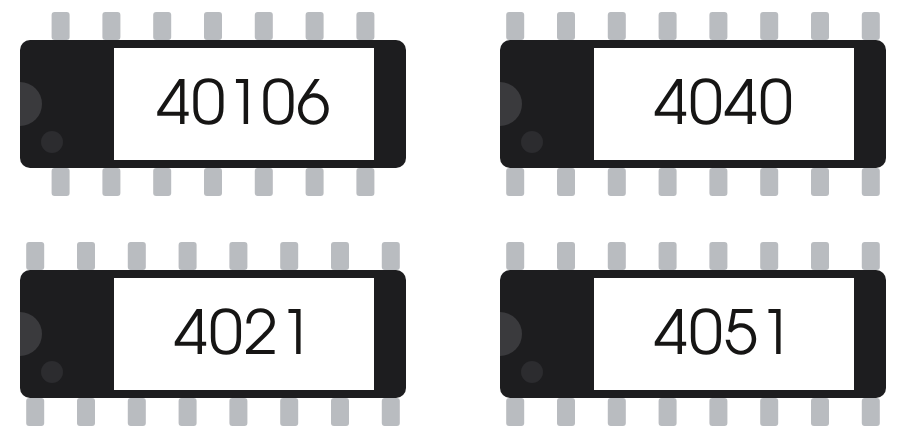
      The numbers printed on real chips are tiny and hard to read, even for adults. A label puts a big, clear number on top of each chip, so builders can find the right chip at a glance and follow the video.

      1. Print on letter-size full-sheet sticker paper, at 100% ("Actual size", not "Fit to page").
      2. Cut along the thin grey lines. A paper trimmer makes this quick.
      3. Stick one label on top of each chip, leaving the chip's notched end showing.
      Recommended

      Chip maps

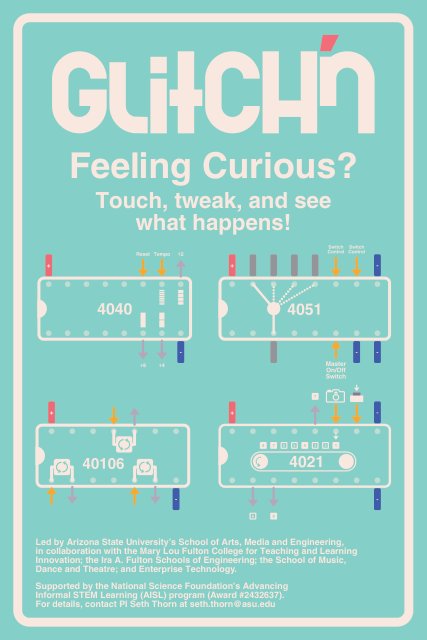
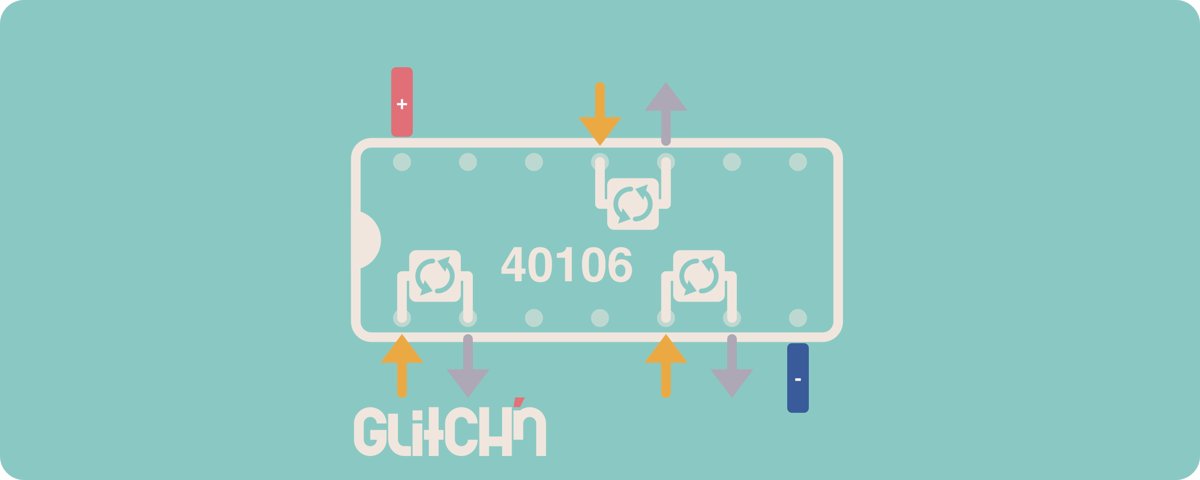
      A map of each chip shows what every leg does. On paper, builders can hold it, point at it and keep it right next to the breadboard. Handling real paper helps more than flipping back and forth on a screen.

      1. Print both pages in color. Card stock lasts longest.
      2. Cut the four maps apart. Laminate them if you will reuse them.

      3

      Share

      The Glitch'n pack

      Everything on this page in one download, plus the logos and colors, for newsletters, flyers and social posts.

      • Logos
      • Stickers
      • Chip labels and chip maps
      • Posters and table signs
      • Colors

      Please keep the Glitch'n logo on anything you print, copy or adapt.